 YetiShot
Show your agent any window.Never leave the prompt.
Pick any open window from a list, even one buried under five others. The screenshot is on your clipboard before you’ve left the prompt.
$5, one time.
Refund if it doesn’t work on your Mac.
- No account
- No subscription
- Shots stay on your Mac
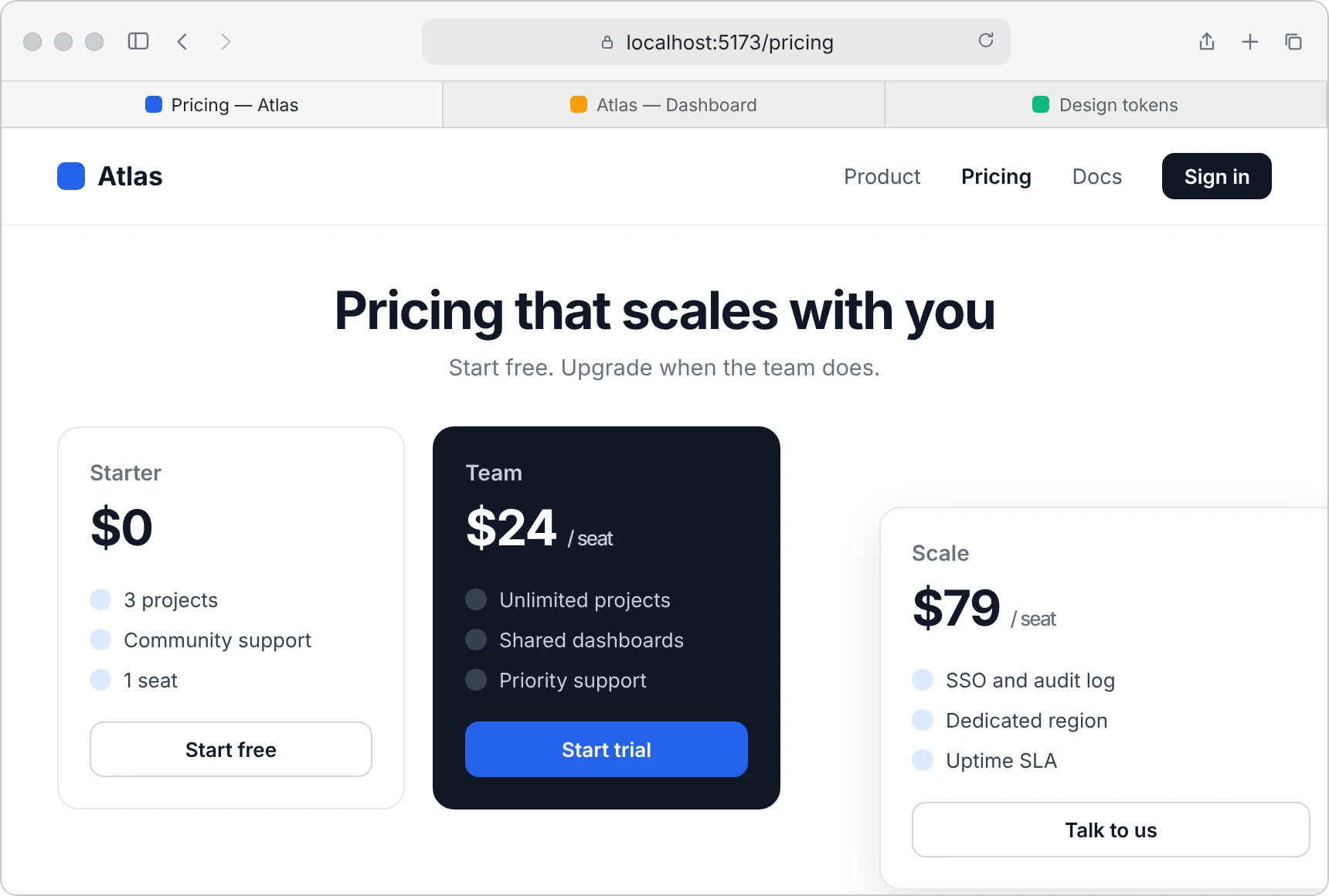
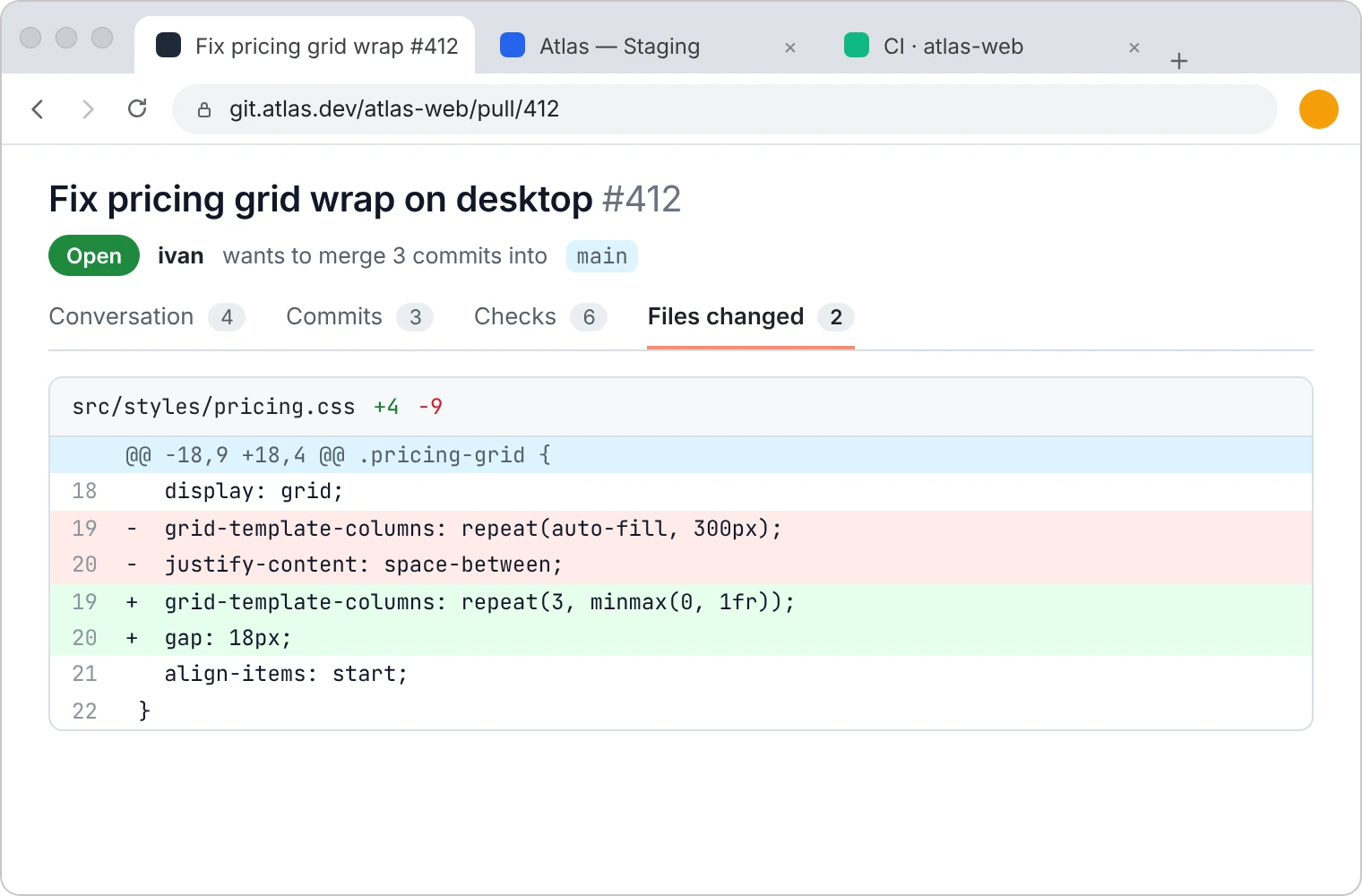
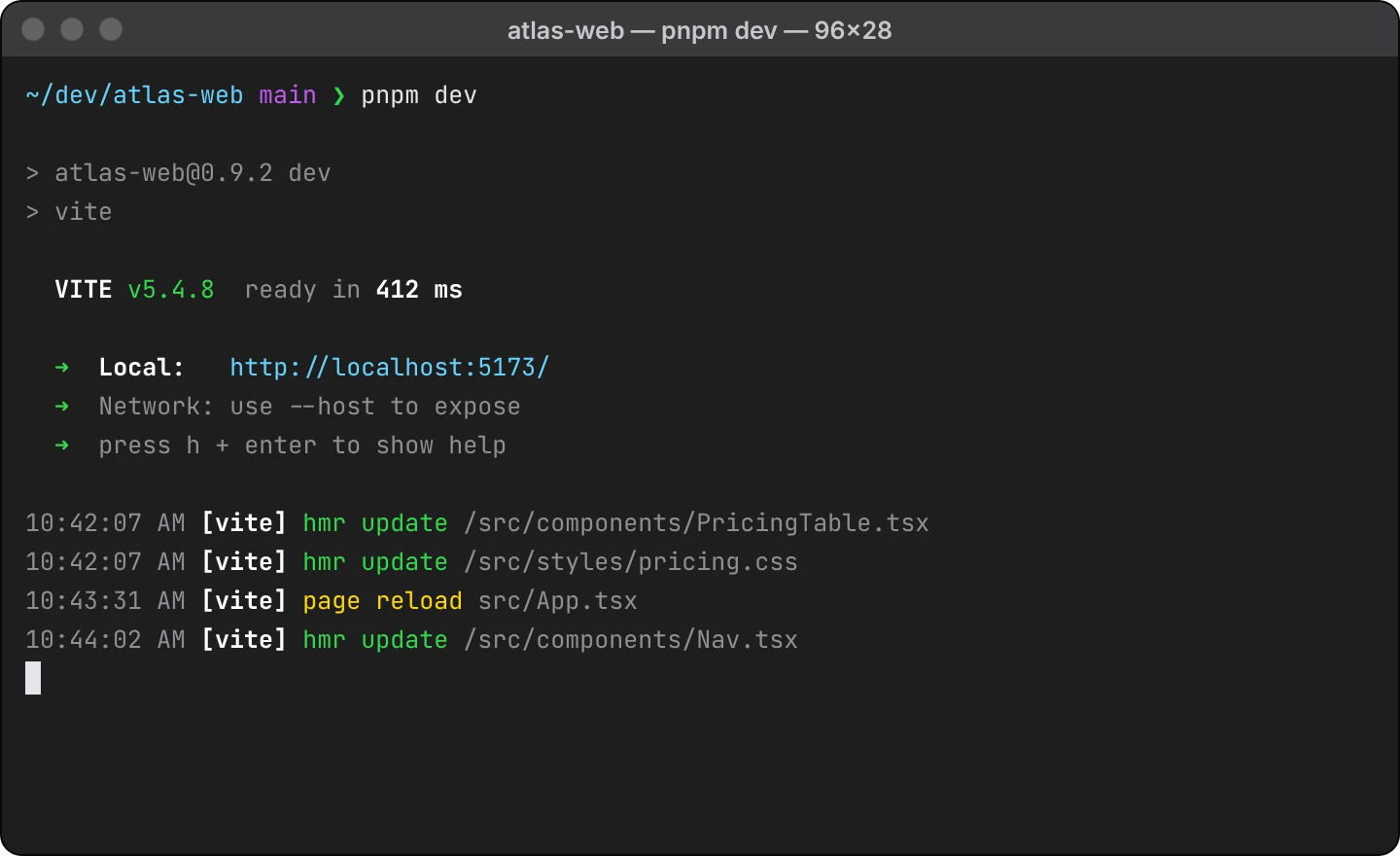
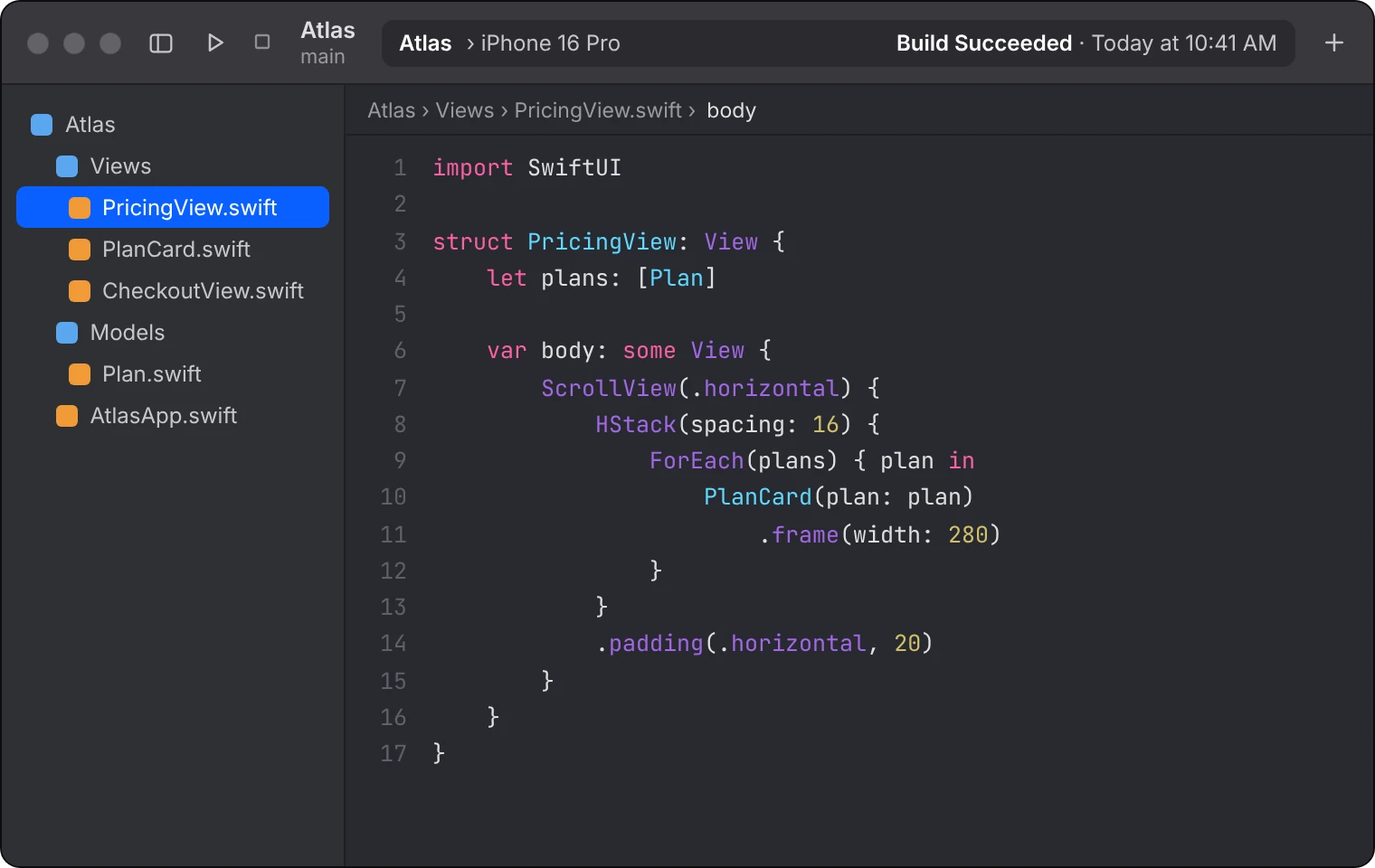 Take a look:Take a look:Take a look:Behind your agentBehind your agentOn another displayBehind your agent
Try it: pick a window, or switch threads on the left.Copied. Press ⌘V or .Pasted. Now press send.That’s the whole app.
Every screenshot app makes you leave the prompt.
Same job, twice: show the agent the pricing page.
 Pricing — AtlasSafari
 Fix pricing grid wrap #412Chrome
 atlas-web — pnpm devTerminal
 Atlas — PricingView.swiftXcodeBehind your agent
- Go find the window
- Drag a region
- Come back
- Paste
- Pick from the list
- Paste
It lands where your cursor is.
- In the thread you’re inThe shot goes to your clipboard and you paste it yourself. It can’t end up in a new chat.
- In the terminal tooTerminal agents take a pasted image and show it as [Image #1].
- Again, with one shortcutWith Screen Recording access, a second shortcut captures the same window again.
Your screenshots stay on your Mac.
No account
No sign-up and no login. Nothing to remember.
No cloud
Shots go to your folder and your clipboard, nowhere else.
No subscription
$5 once. Refund if it doesn’t work on your Mac.
Short answers.
Claude and Codex already capture windows.
They capture the window you switched to first. YetiShot captures any window while you stay in the prompt.
I already have a screenshot app.
Keep it for annotating. YetiShot is for the moment you’d have to leave your prompt.
Why does macOS ask for Screen Recording?
Screen Recording access lets YetiShot list open windows and capture the same one again with a shortcut. If you prefer one-time access, macOS asks you to pick a window for each shot.
What will it cost?
$5, once. No trial, and a refund if it doesn’t work on your Mac.